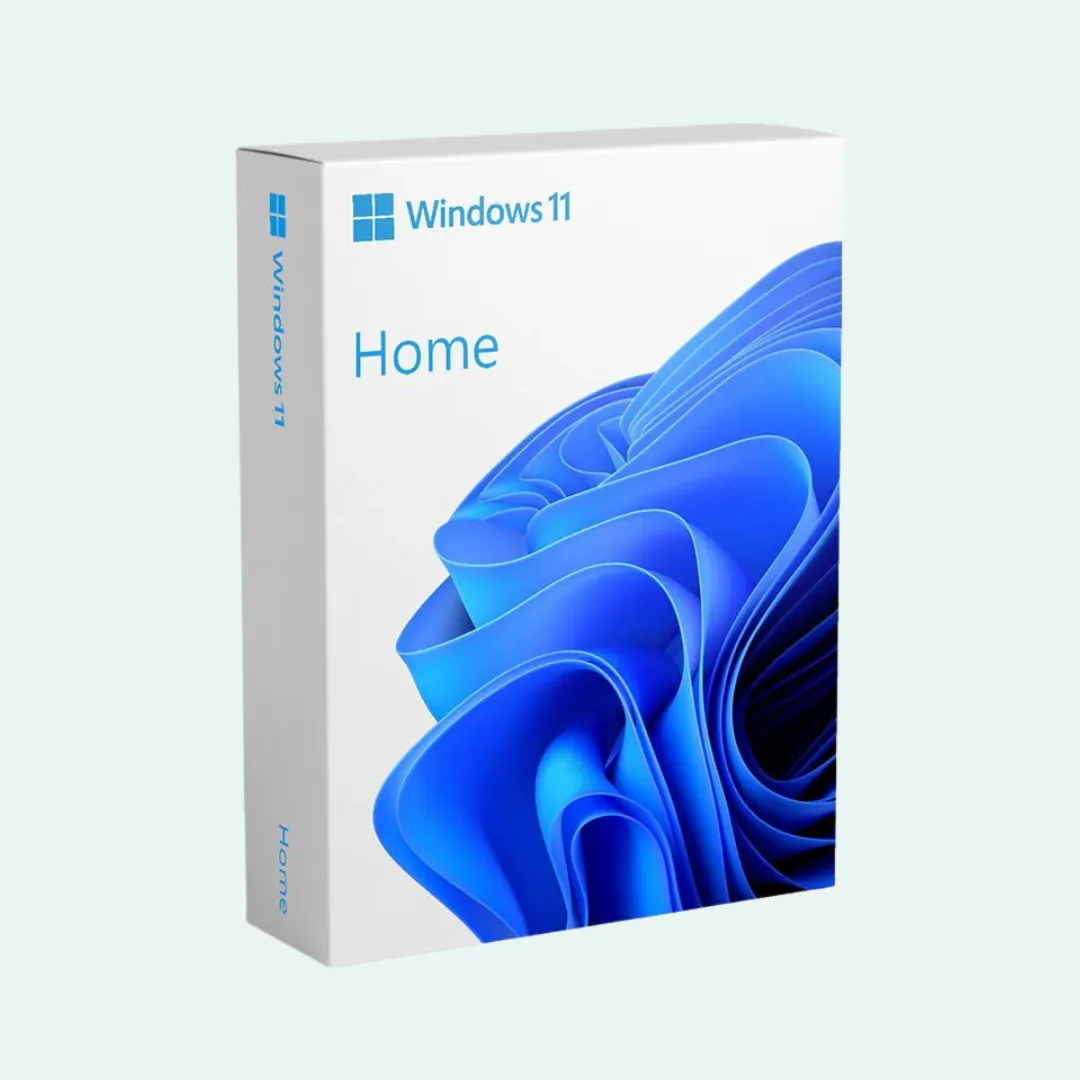
Windows 11 Home
ESD: Digital License Key
The modern operating system designed for everyday computing, seamless multitasking, and immersive PC gaming.
This digital product key functions exclusively on a fresh clean installation of Windows and cannot be used for in-place edition upgrades from Windows 10 or pirated builds.
What is Included in Your Order
1x Genuine Digital License Key
Valid authentic product license for clean installation and activation on 1 PC.
Delivery via WhatsApp or Email
License details and product activation key dispatched within 24 hours of confirmation.
Activation Support & Guidance
Step-by-step instructions on official software download, setup, and key verification.
Key Features & Capabilities
Redesigned Start Menu & Taskbar
Clean centered layout with pinned apps, cloud files, and integrated search.
Snap Layouts & Snap Groups
Instantly arrange multiple open windows into organized preset grid zones.
Virtual Desktops
Separate desktops for work, gaming, and personal browsing with instant switching.
DirectStorage & Auto HDR
Reduced game loading times on fast NVMe SSDs and enhanced high dynamic range visuals.
Windows Hello Biometrics
Instant facial recognition, fingerprint, or PIN sign-in without passwords.
Microsoft Store with Curated Apps
Access verified applications, entertainment, and utilities from a secured storefront.
OneDrive Cloud Backup
Automated synchronisation and security for your Documents, Pictures, and Desktop folders.
Voice Typing & Dictation
Accurate speech-to-text input across all system text fields and applications.
System Requirements
- Processor
- 1 GHz or faster, 64-bit, 2 or more cores
- RAM Memory
- 4 GB minimum
- Storage
- 64 GB available disk space
- Firmware
- UEFI, Secure Boot capable
- TPM Chip
- Trusted Platform Module (TPM) version 2.0
- Graphics Card
- DirectX 12 compatible with WDDM 2.0 driver
- Display Screen
- High definition (720p), 9 inch or larger
- Internet
- Required for initial setup and Microsoft Account login
How to Perform a Clean Installation
- 1Download the official Windows 11 Media Creation Tool directly from Microsoft.
- 2Create a bootable USB flash drive (8 GB or larger).
- 3Boot your computer from the USB drive and proceed through the Windows setup wizard.
- 4Enter the genuine ESD product key you received via WhatsApp when prompted.
- 5Complete your user setup and verify activation status in Windows Settings.