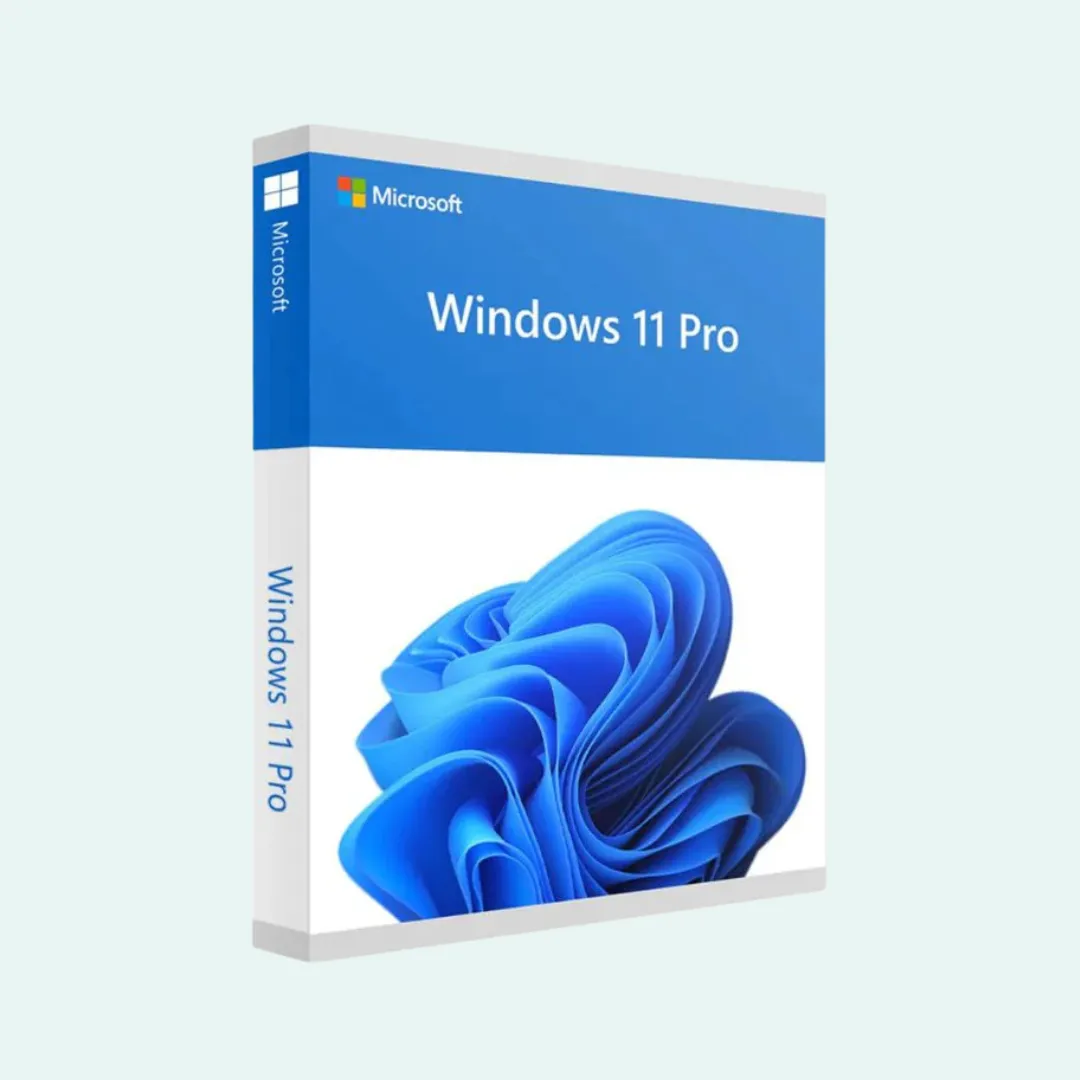
Windows 11 Pro
ESD: Digital License Key
All the capabilities of Windows 11 Home plus enterprise security, BitLocker drive encryption, Hyper-V virtualization, and Remote Desktop host.
This digital product key is strictly valid for a fresh clean installation of Windows and cannot be applied as an upgrade from Windows 10 or non-genuine copies.
What is Included in Your Order
1x Genuine Digital License Key
Valid authentic product license for clean installation and activation on 1 PC.
Delivery via WhatsApp or Email
License details and product activation key dispatched within 24 hours of confirmation.
Activation Support & Guidance
Step-by-step instructions on official software download, setup, and key verification.
Key Features & Capabilities
BitLocker Drive Encryption
Encrypt your entire physical drive to safeguard confidential files if your laptop is lost, misplaced, or stolen.
Windows Sandbox Environment
Execute untrusted or suspicious executables in a secure isolated sandbox that erases all traces upon closing.
Remote Desktop Host
Securely connect to and control your office workstation from another device anywhere across the network.
Hyper-V Native Virtualization
Create and operate full virtual machines directly on your computer hardware without third-party tools.
Domain & Azure AD Join
Join enterprise corporate domains and Microsoft Entra ID (Azure AD) for central user policy management.
Group Policy Management
Enforce granular system configurations, security restrictions, and update schedules across the OS.
Windows Information Protection
Separate corporate data from personal data, preventing unauthorized data export and leaks.
Windows Update for Business
Control deployment rings and defer feature updates to ensure maximum production stability.
Everything Included from Windows 11 Home
- Redesigned Start Menu and centered Taskbar
- Snap Layouts and Snap Groups for multi-window productivity
- Virtual Desktops for dedicated workspaces
- Glanceable Widgets Panel for live calendar and weather
- DirectStorage and Auto HDR for next-generation gaming performance
- Xbox Game Bar for screen recording and system telemetry
- Windows Hello facial and biometric authentication
- Microsoft Store with curated desktop apps
- Voice typing and enhanced accessibility tools
- Automated OneDrive cloud backup
System Requirements
- Processor
- 1 GHz or faster, 64-bit, 2 or more cores
- RAM Memory
- 4 GB minimum
- Storage
- 64 GB available disk space
- Firmware
- UEFI, Secure Boot capable
- TPM Chip
- Trusted Platform Module (TPM) version 2.0
- Graphics Card
- DirectX 12 compatible with WDDM 2.0 driver
- Display Screen
- High definition (720p), 9 inch or larger
- Internet
- Required for initial setup and Microsoft Account login
How to Perform a Clean Installation
- 1Download the official Windows 11 Media Creation Tool directly from Microsoft.
- 2Create a bootable USB flash drive (8 GB or larger).
- 3Boot your computer from the USB drive and select Windows 11 Pro.
- 4Enter the genuine ESD product key you received via WhatsApp when prompted.
- 5Complete your user configuration and verify activation status in Settings.